Inside and Outside Digital Threats
Digital threats became part of the routine reality of many modern companies. It often happens because automation and a distributed workforce makes it harder to protect information from malicious or accidental leakage. One way to approach the problem is to educate users and implement good policies around authentication and authorization. However, there are also network resources shared among many people and/or accessed only by machines. Passwords and keys to these resources do not belong to any individual user. As a result, it’s hard to manage them, replace them in time and enforce company security requirements. The right approach to managing these special or privileged accounts is to use a specialized software: Identity Vault.
Introducing Identity Vault
An identity vault is a central storage location for any privileged information, whether it’s credit card numbers, a code signing certificate ora password or key to a computer account. Central storage means that many users access the data in the storage at the same time. It also means that users can share the privileged data with each other. The identity vault supports an elaborate permission structure that designates some parts of the data as secret fields. Record owners can grant permissions to see or edit secret parts of the record to certain users.
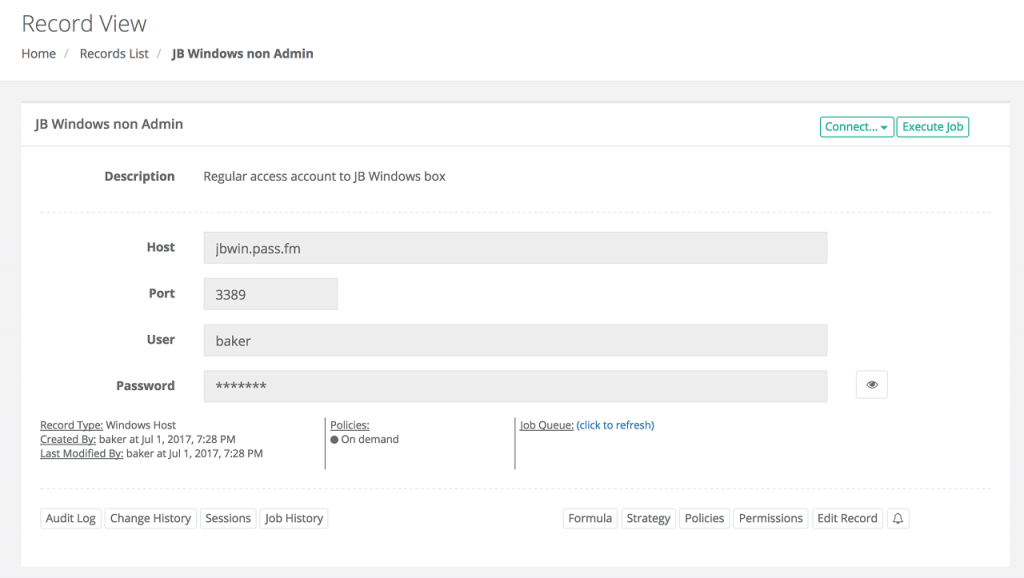
Windows Record as an example of a privileged information stored in an identity vault
In a way, an identity vault resembles an advanced Enterprise Content Management System with records, folders, field level permissions and custom record types rather than a privileged account management system. However, certain options position an identity vault in the area of network security.
Identity Vault as a Network Security Tool
In addition to storage and sharing, an identity vault automatically resets passwords for the credentials it manages. Since the system knows the current password for the account, it logs in to the remote computer and changes this password on a schedule. The system then remembers the new password. By doing so, the system generates long, complex and unique passwords that are harder to guess. To access these passwords, an identity vault provides permission controlled access for users via a GUI as well as an API for scripts. It means that automated processes that use passwords or certificates to access network resources retrieve these keys from the vault when needed, instead relying on hardcoded credentials.
Second, an identity vault scans the network for attached devices and detects factory default, corporate setup or preset passwords. After that, the administrators convert detected accounts into the system managed records to apply password reset policies and access permissions. It ensures overall password quality in the network, as well as the simplicity to access these passwords when needed.
Also, in combination with Jump Server, an identity vault provides access to certain computers and devices without even disclosing passwords or keys to the end user. It opens wide range of possibilities to engage employees and contractors while keeping the network access safe. Sessions to the remote computers could be monitored, recorded, and logged to the database for the future analysis. It encrypts sensitive data using modern cyphers and ensures that communication channels are also secure.
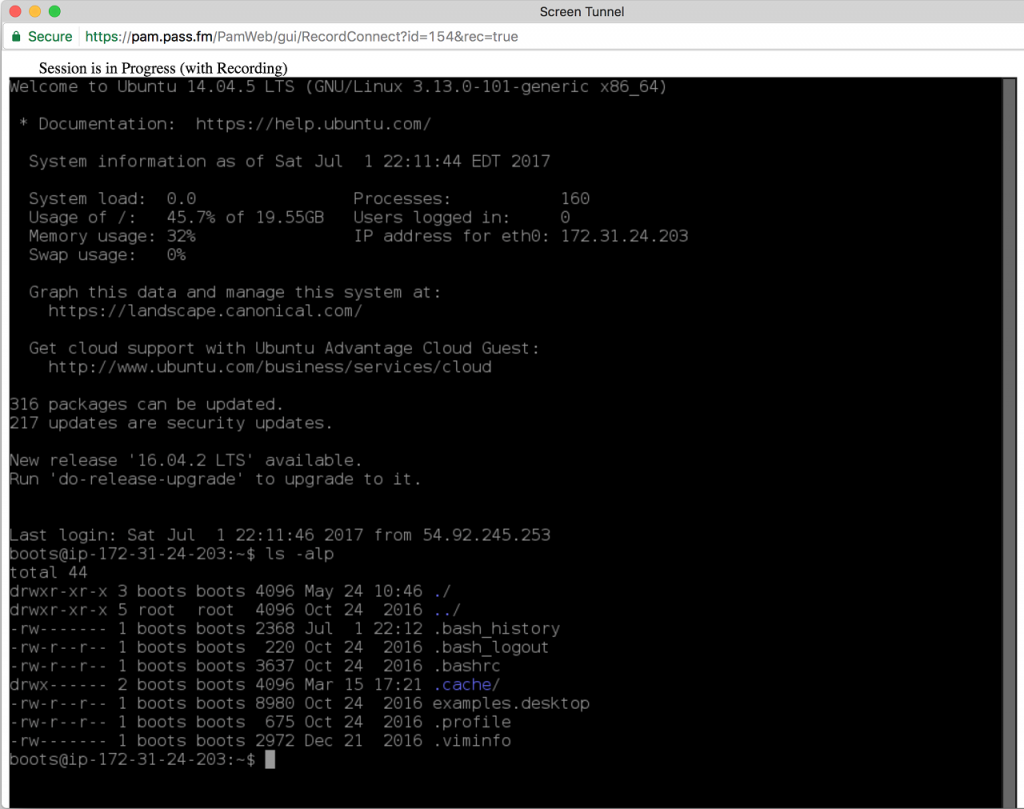
An identity vault provides access to remote computers without disclosing the password
About Xton Access Manager Tool
Xton Access Manager is an innovative Privileged Identity Management System
implementation. It includes both an Identity Vault and Session Manager as an RDP, SSH, VNC to HTML5 Gateway. Its server could be hosted on either Windows or Linux OS; and it can use any commercial database (e.g. MS SQL, Oracle, MySQL, PostgreSQL, etc.) as the backend. All Windows and Unix/Linux computer screens can be accessed via any modern desktop, mobile or tablet browser. Download a free trial of Xton Access Manager and schedule a demo here: https://www.xtontech.com
Download Today!
Xton Access Manager is an agentless, cross-platform privileged access management solution with unlimited licensing model built from the ground up with an enterprise feature set. Simple to implement, without your typical enterprise cost and effort.
Xton Access Manager is now available for download. Please fill out this form to receive a download link to get started today, even on your current desktop or laptop. Documentation is available to help or you can email or call us to request a trial extension, discuss questions and share your feedback. We would love to talk to you.

1 Comment
Session Management as a Secure Network Gateway | Xton Technologies · August 10, 2017 at 12:13 pm
[…] there is even more. Session Manager could be integrated with powerful Identity Vault that, among other things, can store and share records about devices and their accounts with […]
Comments are closed.